

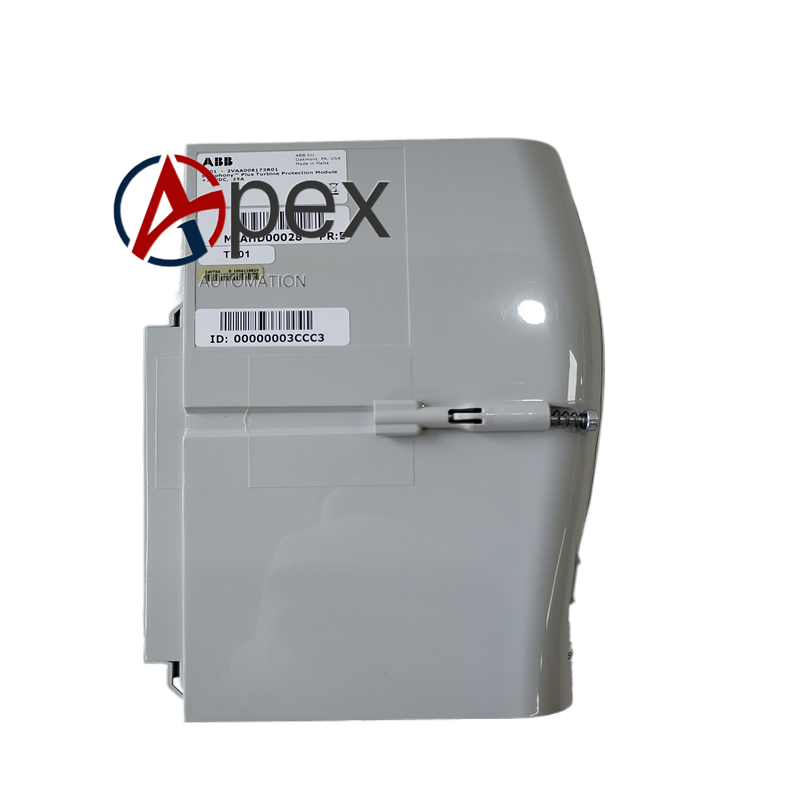
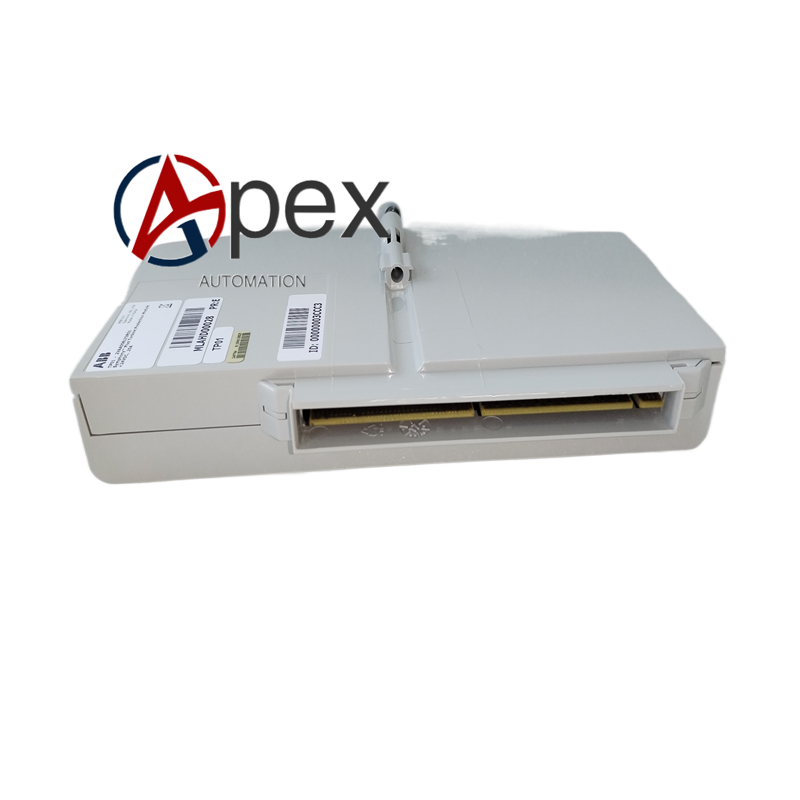

Technical Specifications Dedicated interface for controller connection. Power supplied from connected controller unit. Operating temperature 0 ℃ to +50 ℃, storage temperature ‑20 ℃ to +70 ℃. Equipped with liquid‑crystal display screen and physical operation keys.
Functional Features Reads real‑time running status and fault information from controller. Supports local parameter browsing and parameter modification. Provides man‑machine interaction interface for on‑site commissioning. Stores partial diagnostic information for maintenance reference.
Application Scenarios Applied for on‑site commissioning, fault diagnosis and maintenance of ABB PLC and DCS controller. Used as portable maintenance tool for production site.
Performance Parameters Display refreshes controller real‑time status data rapidly. Keystroke input responds reliably. Data reading maintains consistency with controller internal data.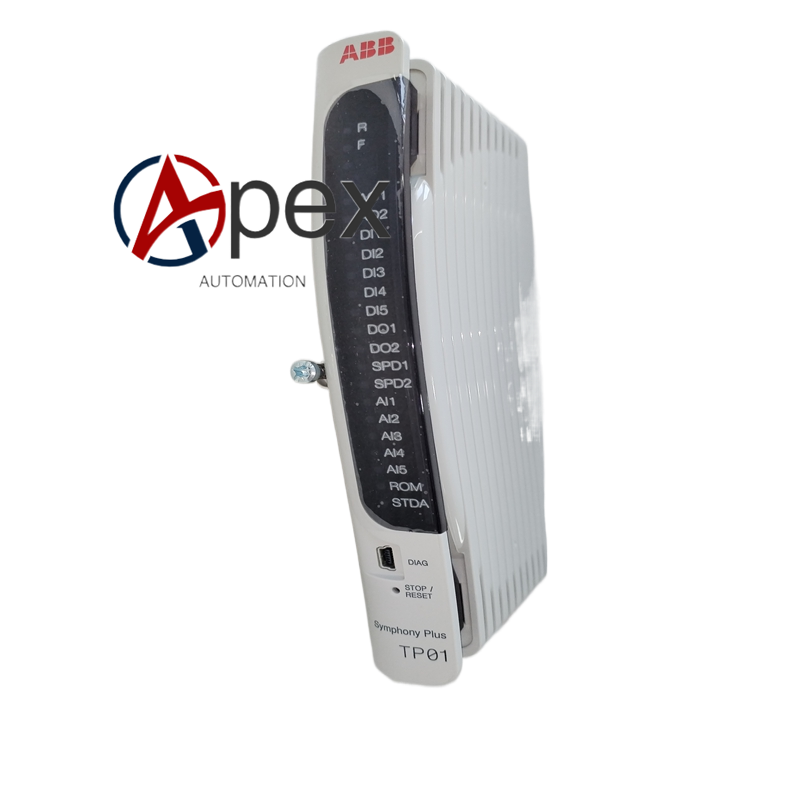
Material Composition High‑strength engineering plastic housing. Liquid‑crystal display module, membrane keypad assembly. Internal processing circuit board. Dedicated connection cable and plug‑in connector.
Structural Characteristics Portable handheld tool structure. Front side fitted with display screen and operation keypad. Equipped with attached connection cable assembly. Weight approximately 0.36 kilogram.
Working Principle After connecting to controller interface, TP01 obtains power supply from controller. It sends reading and writing command through dedicated communication protocol. Controller uploads running data and fault information to TP01 for display. Operation key input transmits modification command back to controller.
Installation Requirements Connect dedicated cable between TP01 and controller front interface. Power on controller unit. Operate keypad to enter corresponding function menu after screen lights up. Disconnect tool after finishing commissioning work.
Usage Notes Avoid heavy drop and physical impact. Do not operate tool under high‑humidity and condensed‑water environment. Disconnect tool after completing maintenance work. Protect display screen surface from scratch.





There are no reviews yet.