

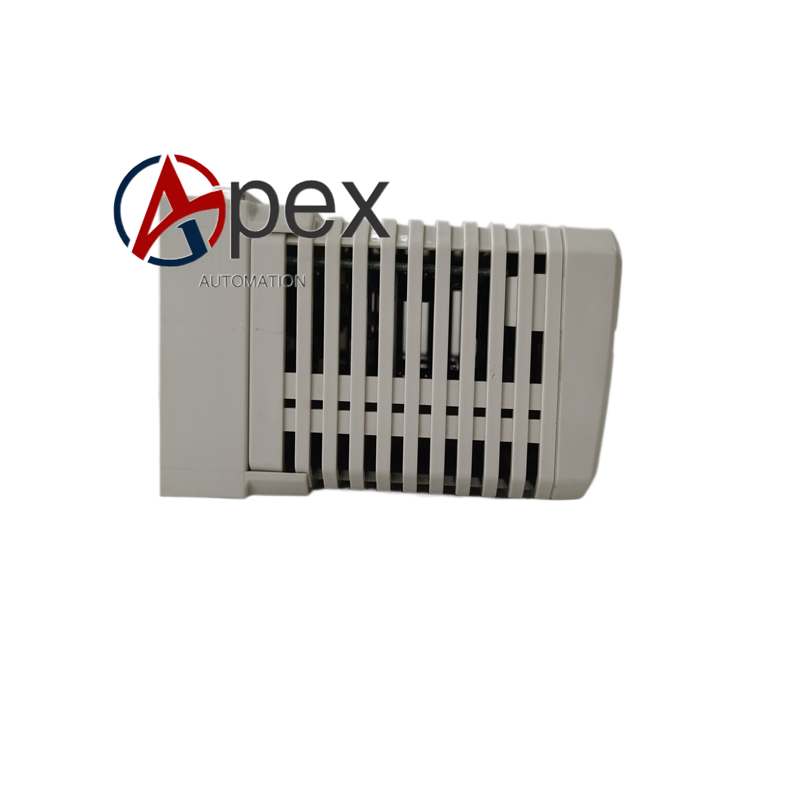
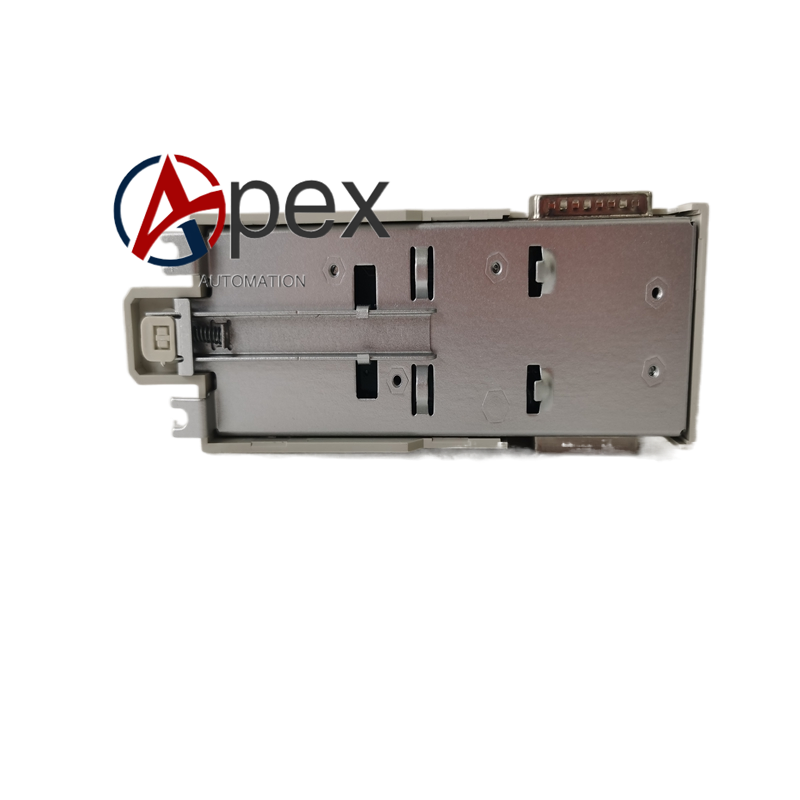

Technical Specifications Data backup storage function. Auxiliary working power 24 V DC. Typical power consumption 2.8 W. Operating temperature 0 ℃ to +60 ℃, storage temperature ‑40 ℃ to +85 ℃, non‑condensing relative humidity 5%‑95%. Module surface IP20. Complies with AC800M system technical specification.
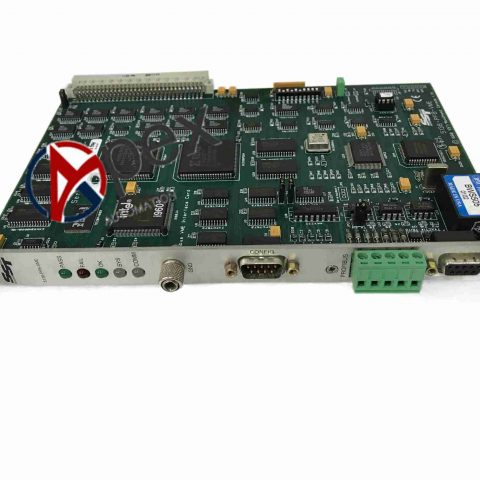
Functional Features Realizes persistent backup of controller parameters, program and process data. Keeps data integrity when main power supply drops off. Front‑panel LED indicates module working and fault status. Supports hot‑swap replacement.
Application Scenarios Installed in AC800M controller rack. Applied for chemical, pulp‑paper and power process control system. Used for project construction and spare‑part replacement.
Performance Parameters Data storage keeps long‑term stability. Hot‑swap replacement will not damage valid data. LED status indication accurately reflects working condition.
Material Composition Glass‑fiber epoxy printed circuit board. Industrial‑grade memory chip, power monitoring circuit. Reinforced plastic module housing. Copper‑alloy back‑plane plug‑in contact pieces.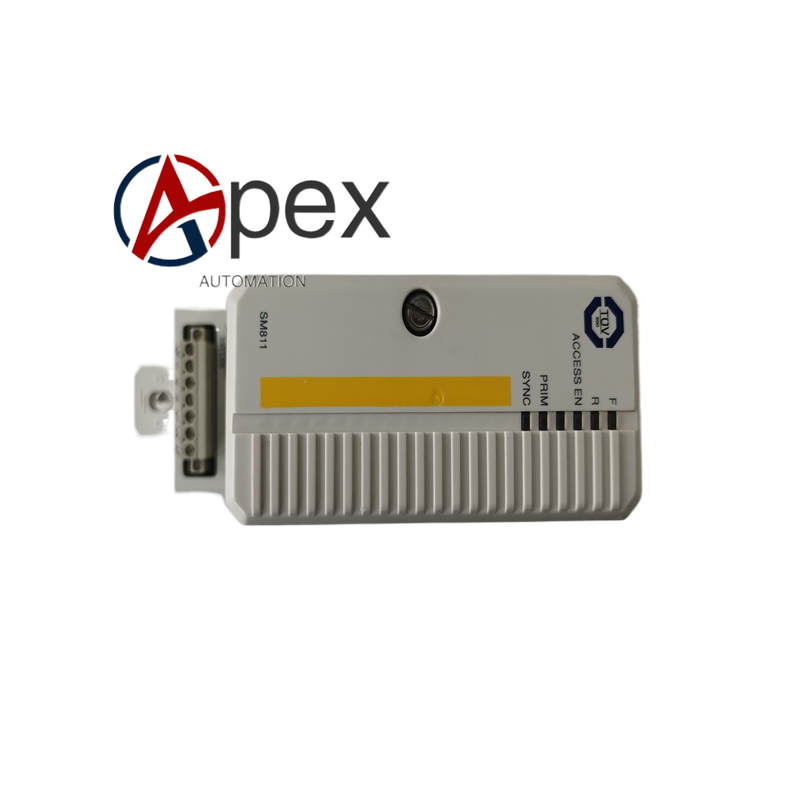
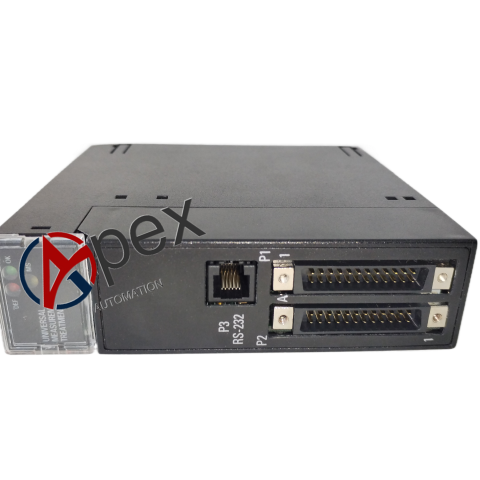
Structural Characteristics Standard rack‑mount plug‑in module structure. Front panel equipped with LED status indicator. Rear side connects controller rack back‑plane bus. Module width 25 mm, height 130 mm, depth 120 mm. Weight approximately 0.38 kilogram.
Working Principle Module communicates with controller through rack back‑plane bus. It regularly backs up controller key parameters and application program to internal memory chip. When main power supply fails, stored data is retained without power supply support. After power recovery, controller reads backup data for system recovery.
Installation Requirements Insert module into designated slot of AC800M controller rack and lock fastening screw. Confirm back‑plane connector contact is good. Ensure cabinet protective grounding. Check LED working status after power‑on. Complete data backup verification.
Usage Notes Take anti‑static protection during handling. Hot‑swap is allowed under specified system condition. Do not execute module pulling‑out during data backup process. Periodically verify backup data validity according to maintenance cycle.





There are no reviews yet.