

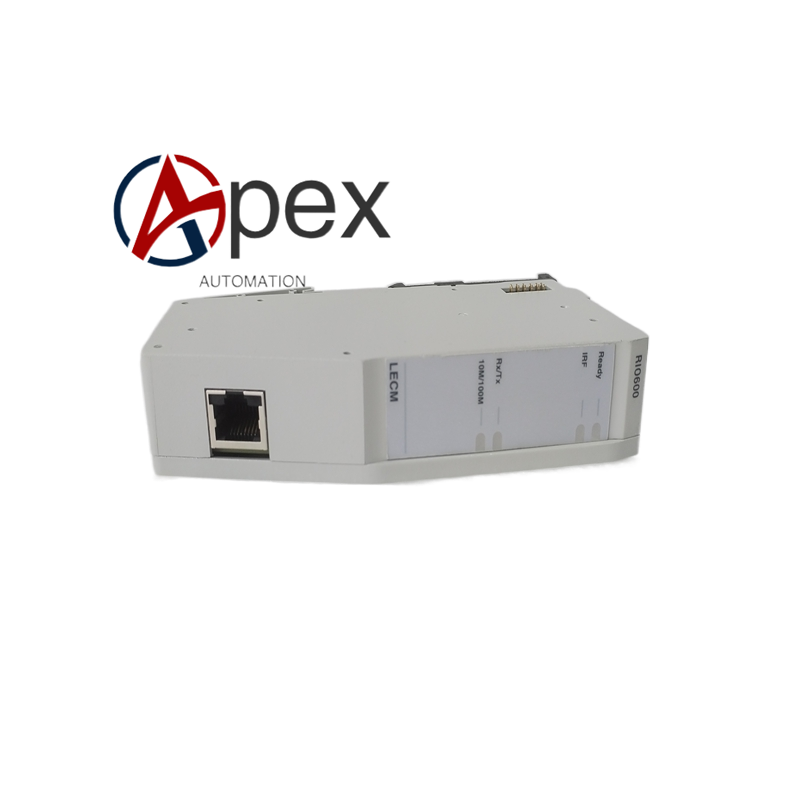
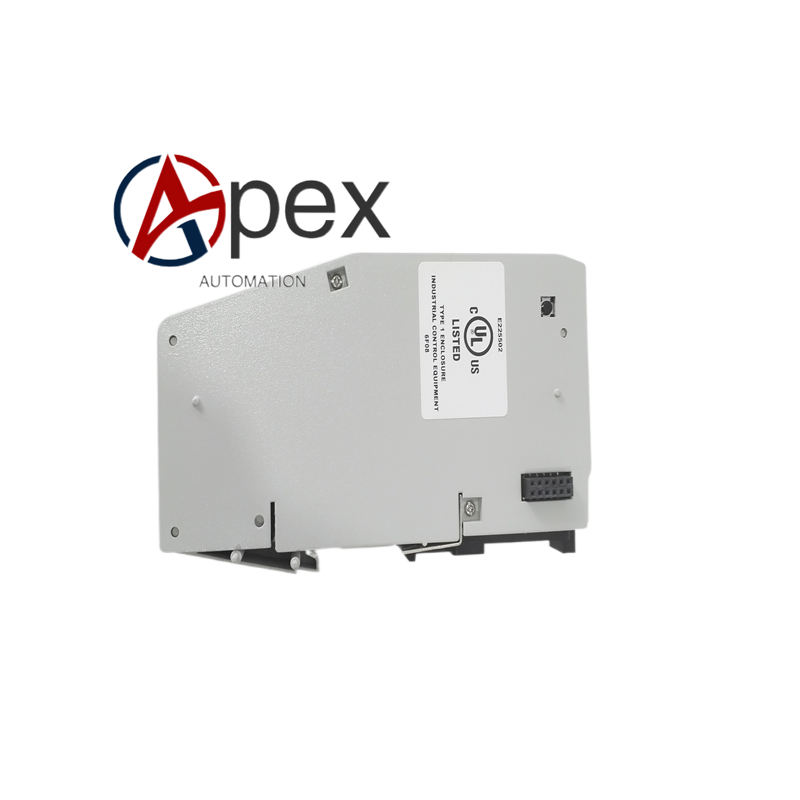
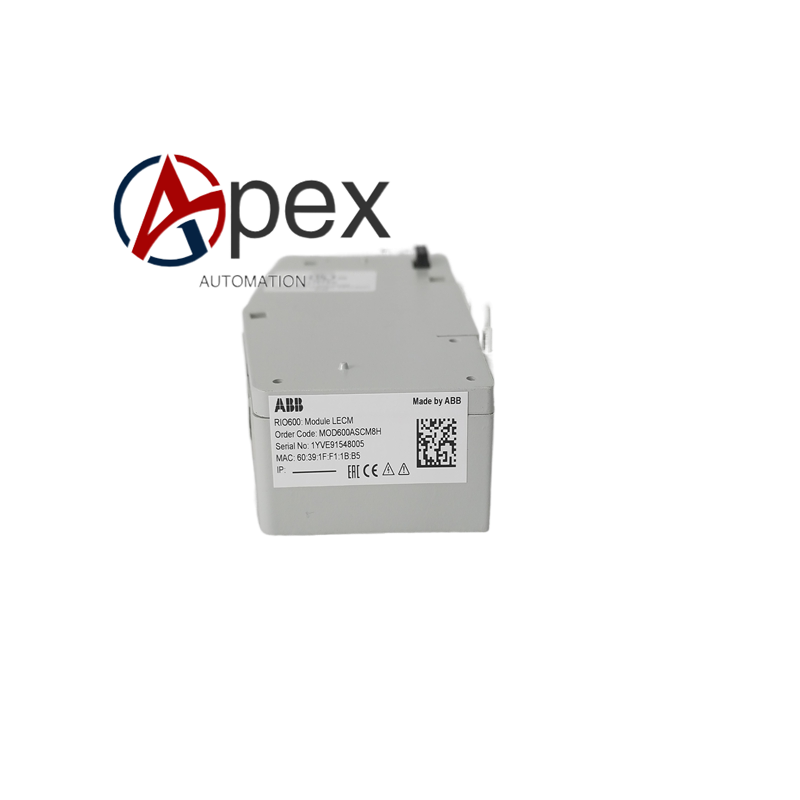

Technical Specifications Multiple configurable binary input channels, binary output relay channels. Optical fiber communication interface conforms to substation internal communication standard. Supports multi‑drop optical fiber bus topology. Auxiliary power supply 80‑250 V DC. Typical power consumption 7 W. Operating temperature ‑40 ℃ to +70 ℃, storage temperature ‑40 ℃ to +85 ℃, non‑condensing relative humidity 5%‑95%. Front‑panel IP40, rear terminal area IP20. Complies with CE and IEC substation‑automation standards.
Functional Features Acquires large‑quantity binary status signals from field switchgear equipment. Executes binary control output according to commands received from main IED. Optical fiber communication realizes electrical isolation between local cabinet and control room. LED indicators show power, communication link and each channel status. Built‑in self‑diagnosis detects power‑supply fault, communication interruption and channel abnormality.
Application Scenarios Mounted inside medium‑voltage switchgear cabinet. Applied for distributed signal acquisition and control in substation automation system. Used for occasions where field equipment is physically far away from bay‑control IED.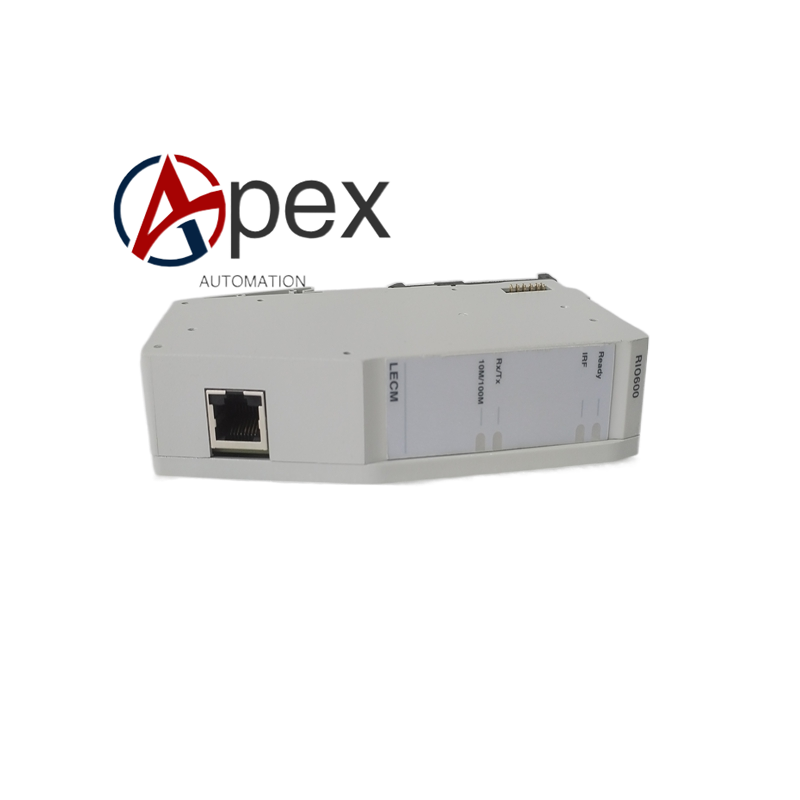
Performance Parameters Binary input signal sampling millisecond‑level response. Relay output contact meets secondary‑circuit load capacity. Optical fiber communication possesses strong anti‑electromagnetic‑interference capability. Self‑diagnosis function gives clear fault indication for each abnormal condition.
Installation Requirements Secure unit firmly inside local switchgear cabinet. Connect auxiliary DC power supply within rated voltage range. Complete field binary‑input and binary‑output wiring strictly following engineering schematic. Install and connect optical‑fiber cable correctly, guarantee bending radius requirement. Set device address via configuration tool. Implement reliable protective grounding complying with substation standards. Inspect LED status of power and communication channels after power‑on.
Usage Notes Wear anti‑static wrist strap before touching internal circuit assemblies. Do not perform hot‑swap under powered condition. Maintain specified minimum bending radius for optical‑fiber cable. Periodically check terminal tightening torque and optical‑fiber connector cleanliness. Avoid strong electromagnetic interference, mechanical impact and corrosive‑gas environment. Back‑up device configuration files on regular basis.





There are no reviews yet.