

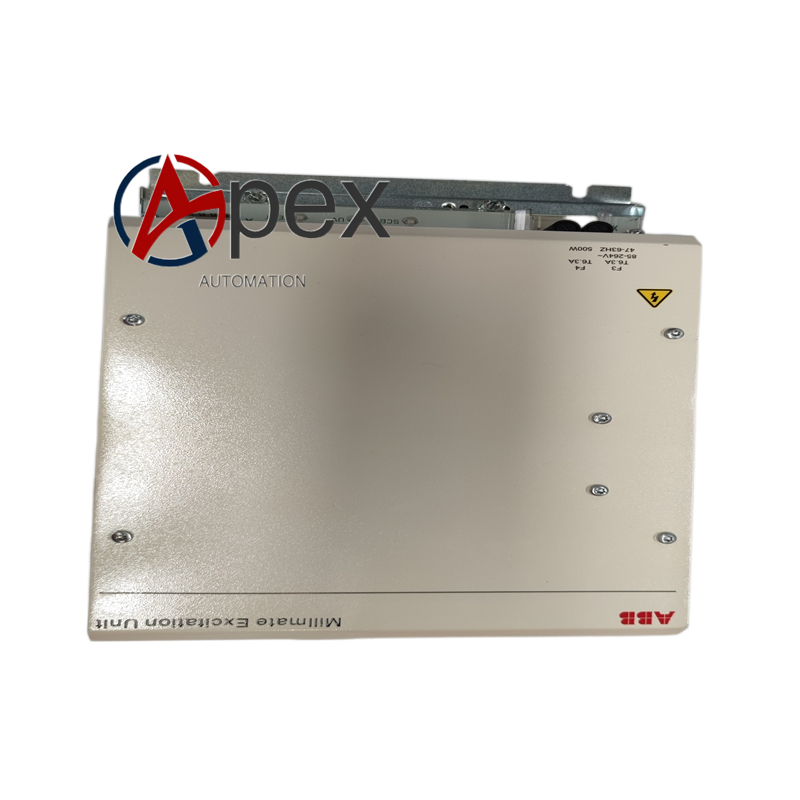
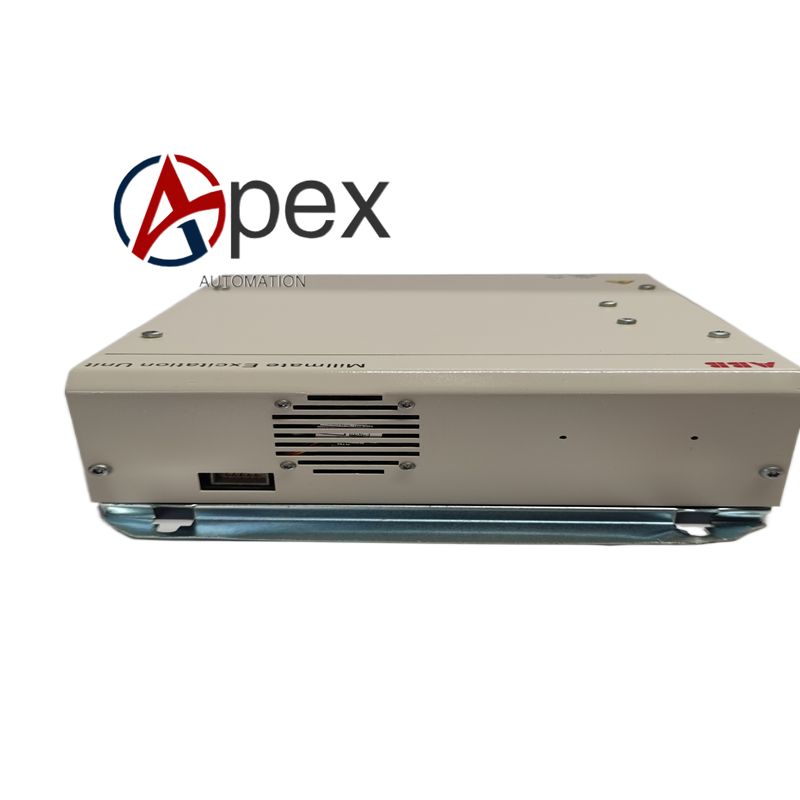

Technical Specifications Model: PFVI401 Mounting Mode: Back‑plane plug‑in installation inside control cabinet Power Supply: Auxiliary DC power supplied by system back‑plane Video Input: Analog composite video signal channel Operating Temperature: 0 °C to +60 °C Storage Temperature: ‑40 °C to +85 °C Relative Humidity: 5‑95 %, non‑condensing Protection Class: IP20 Certifications: CE
Functional Features Acquires analog composite video signal from industrial field camera equipment. Completes analog‑to‑digital conversion for video image signal. Compresses video data inside on‑board hardware circuit. Transmits digital video data to control host via system back‑plane field‑bus. On‑board self‑diagnosis function detects video input signal loss and module hardware fault. Front‑panel LED indicators show module running state and video channel status.
Application Scenarios Spare‑part replacement for PFVI401 video interface module inside ABB industrial control cabinet. Industrial site camera video signal access integrated into DCS control monitoring platform. Video monitoring function expansion for legacy ABB control system. Hardware maintenance and component renewal for old integrated video‑control system.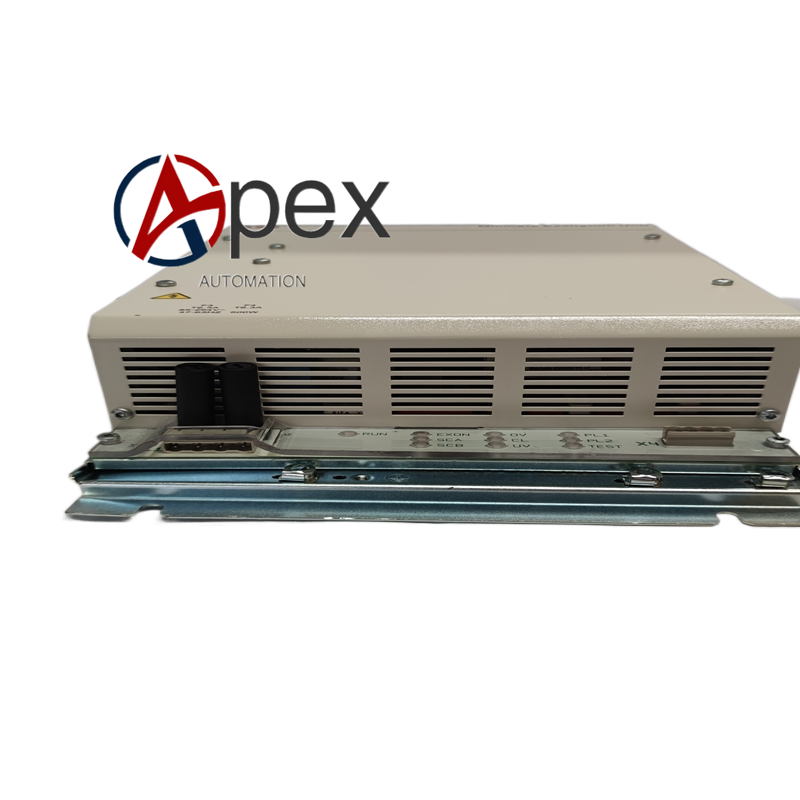
Installation Requirements Disconnect cabinet back‑plane power supply before module replacement work. Insert PFVI401 module into designated cabinet slot and lock module latch. Connect field camera analog video coaxial cable to front‑panel BNC connector. Complete protective earthing complying with cabinet grounding specification. Reserve heat‑dissipation clearance around module slot. Ambient operating temperature keeps within 0 °C‑+60 °C without condensation. Verify module bus communication and video image transmission function after power‑on.
Usage Notes Strictly execute lock‑out‑tag‑out safety procedure before opening control cabinet. Wear anti‑static wrist strap during plug‑in‑module replacement operation. Field video coaxial cable uses shielding layer grounding as per specification. Check module latch locking condition and BNC connector fastening status before power‑on. Periodically remove dust accumulated on module surface and BNC connector. Do not launch formal monitoring operation without finishing video signal verification.





There are no reviews yet.