

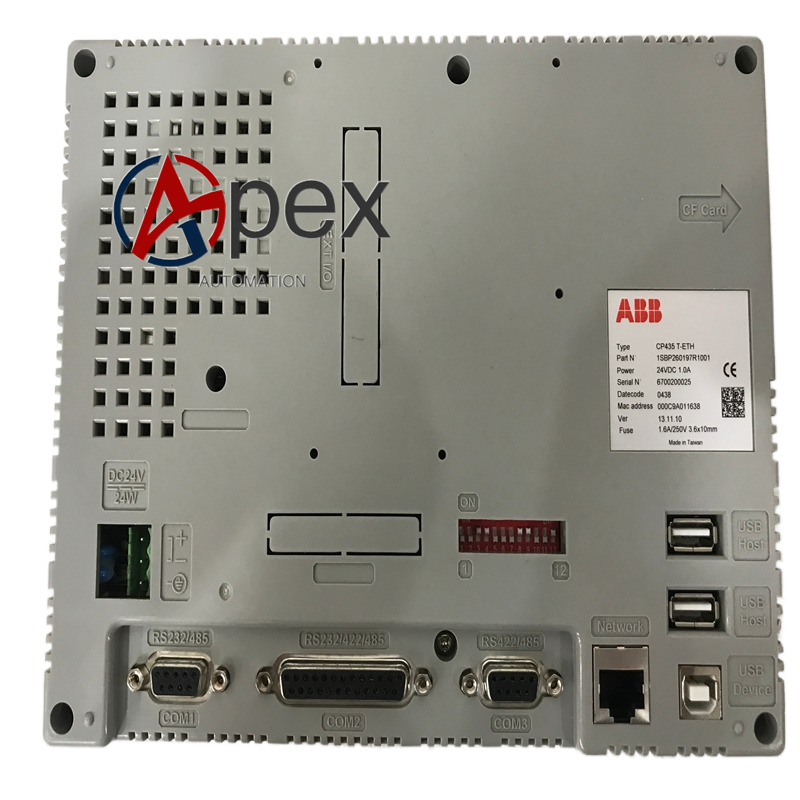

Technical Specifications 7‑inch TFT touch screen, resolution 800 × 480 pixels, 64 K colors. Six customizable physical function keys. Communication interfaces: Ethernet, RS232, RS422, RS485, USB 2.0 host and device port. Power supply 24 V DC, typical power consumption 20 VA. Operating temperature 0 ℃ to +50 ℃, storage temperature ‑10 ℃ to +60 ℃. Front‑panel protection grade IP65. Dimensions 231 mm × 176 mm × 47 mm, weight 0.86 kg.
Functional Features Displays real‑time process value, equipment running status and fault alarm information. Supports modification of PLC control parameters and set‑point values. Provides local manual start‑stop and reset operation function. Stores historical alarm records and trend data. Supports multi‑level password access authority management. Realizes data exchange with connected PLC through Ethernet and serial channels.
Application Scenarios Local operation and monitoring spare part for ABB AC500 PLC automation projects. Widely deployed in machinery manufacturing, water treatment and process industry on‑site control cabinets.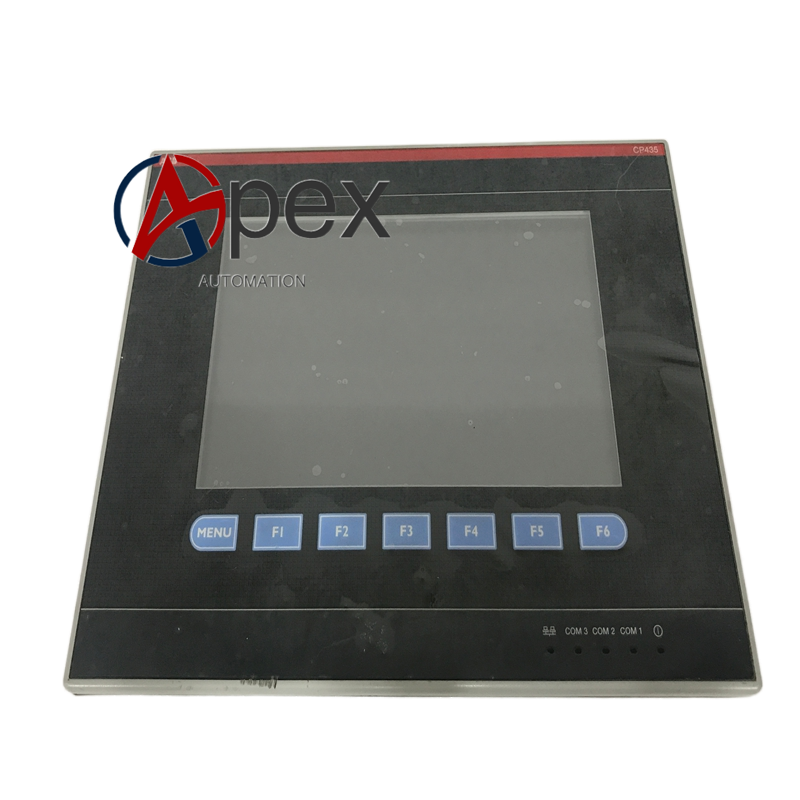
Performance Parameters Clear touch‑screen response performance. Stable long‑term continuous display operation. Reliable multi‑mode communication connection capability.
Material Composition ABS plastic front housing, metal rear shell. TFT liquid‑crystal display unit, resistive touch layer, rubber physical key assemblies. Internal printed circuit board, communication processing chip.
Structural Characteristics Cabinet‑door embedded mounting structure. Front side consists of display area, touch layer and physical function keys. Rear side equipped with power terminal, Ethernet port, serial ports and USB ports.
Working Principle CP435‑T‑ETH establishes communication connection with PLC controller via Ethernet or serial interface. It reads real‑time process data from PLC and renders on display screen. Touch action and physical key operation instructions are converted into communication messages and sent to PLC for execution. Internal storage unit saves alarm and trend historical data.
Installation Requirements Complete cabinet‑door cut‑out installation, fasten mounting buckles and install sealing gasket.Restore power supply, download HMI project configuration, verify display content and key‑touch response.





There are no reviews yet.