



Technical Specifications Module Type: Reflective‑Memory PCI‑Express Host Interface Card Applicable System: GE Real‑Time Reflective‑Memory Network Platform Host Bus Interface: PCI‑Express x1 Network Interface: Fiber‑optic reflective‑memory link Memory Size: On‑board reflective memory capacity Data Transfer Mode: Deterministic shared‑memory real‑time data replication Operating Temperature: 0 ℃ to +55 ℃ Storage Temperature: ‑40 ℃ to +85 ℃ Relative Humidity: 5%‑95%, non‑condensing Mechanical Dimension: Standard full‑height PCI‑Express add‑in card form factor Certifications: CE, FCC industrial computer component compliance
Functional Features Provides hardware interface between host computer and reflective‑memory fiber‑optic network. Implements deterministic low‑latency shared‑memory data replication across all network nodes. Real‑time data update without CPU heavy‑intervention for host system. Supports multi‑node synchronous real‑time data exchange for industrial simulation and control‑auxiliary systems. On‑board status LED indicators display link‑active, transmit‑receive and fault condition. Provides driver software support for mainstream industrial host operating systems.
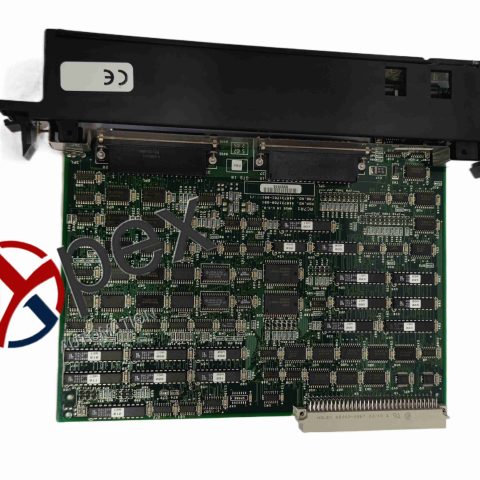
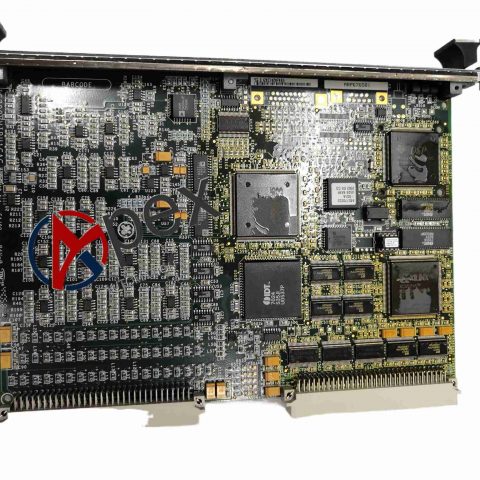
Structural Characteristics Standard full‑height PCI‑Express printed‑circuit add‑in card with metal mounting bracket. Fiber‑optic transceiver port on external bracket panel. Front‑panel LED status indicators for network‑link and card‑hardware condition. Internal PCI‑Express gold‑finger edge connector for host‑slot insertion. On‑board reflective‑memory chip set and fiber‑optic communication processing circuitry.
Working Principle PCI‑5565RC‑100000 card is inserted into industrial host PCI‑Express slot. Host system maps on‑board reflective memory into system memory space. When host writes data into local reflective memory area, hardware automatically replicates data to every other node on fiber‑optic reflective‑memory network. All network‑connected nodes see identical shared‑memory data with deterministic update latency. Status LED reflects fiber‑link quality and card working status.
Installation Requirements Power‑off industrial host computer before inserting PCI‑Express card into compatible PCIe slot. Fasten metal mounting bracket to host chassis with fixing screw. Connect qualified fiber‑optic cable to card transceiver port and link to reflective‑memory network.


There are no reviews yet.