



Technical Specifications Port Quantity: 2×10/100Mbps RJ45 Ethernet ports Supported Protocol: SRTP, Modbus‑TCP Backplane Power Consumption: 290mA @5VDC Dielectric Isolation Voltage: 1500V RMS Operating Ambient Temperature: 0°C to +60°C Storage Temperature: ‑40°C to +85°C Relative Humidity: 5%‑95%, non‑condensing Certification: CE, UL, cUL
Functional Features Dual auto‑adapt 10/100Mbps Ethernet ports. Independent communication processing without occupying CPU resources. Supports multiple standard industrial network protocols. Built‑in network link fault diagnosis function. Front‑panel LED indicators show link, activity and fault status. Offloads Ethernet communication tasks from main CPU unit.
Application Scenarios RX7i system Ethernet communication expansion Upper‑level SCADA system connection HMI network data exchange Multi‑device industrial network interconnection Legacy automation equipment retrofit projects
Performance Parameters Independent protocol processing does not consume CPU scan resources. Real‑time detection for network link abnormal conditions. Shock and Vibration: Complies with IEC 60068 industrial environmental standard
Material Composition Module housing: Flame‑retardant industrial plastic PCB substrate: FR‑4 high‑temperature printed‑circuit material Bus contact fingers: Gold‑plated copper alloy Internal components: Ethernet physical layer chip and protocol processing integrated circuits
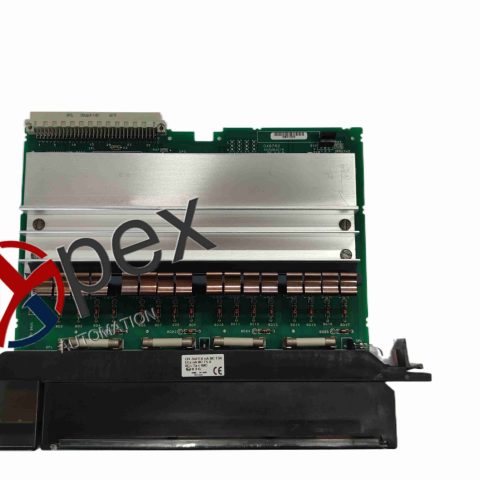
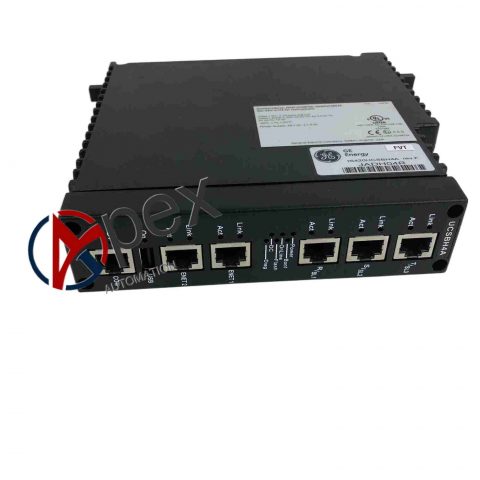
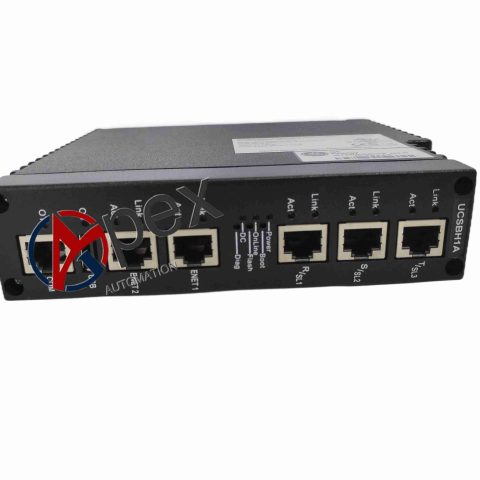
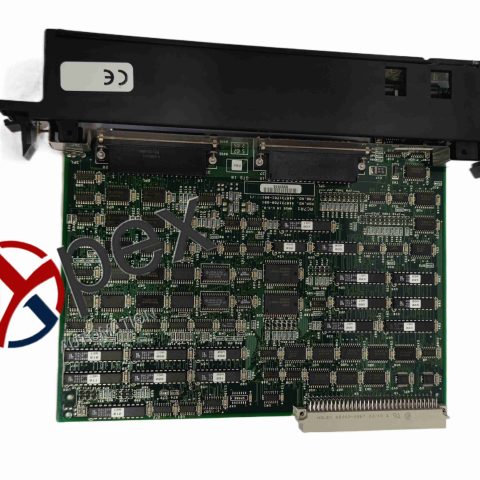
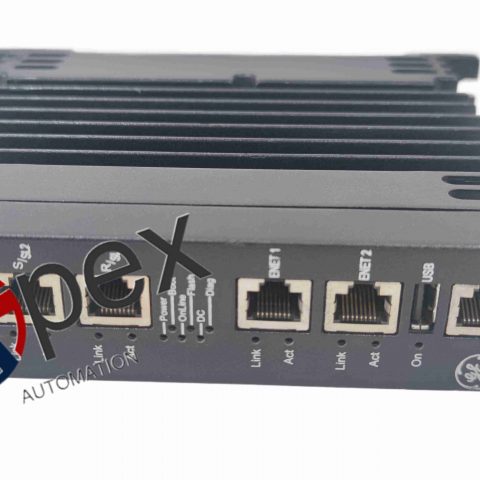
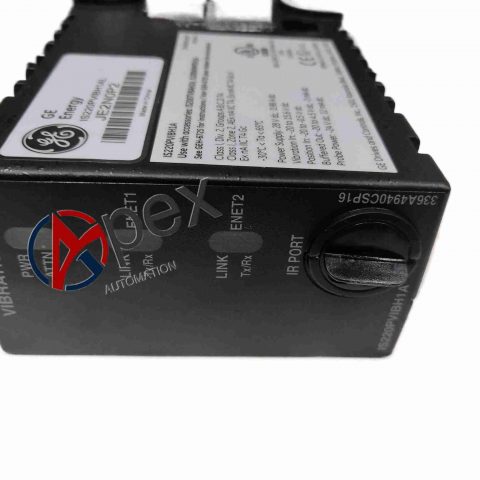
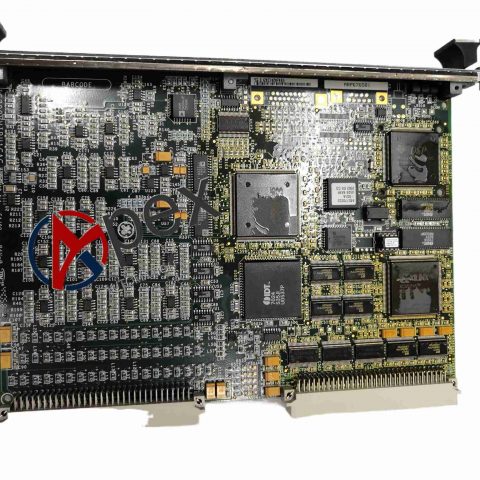
Structural Characteristics Standard RX7i plug‑in rack module form‑factor. Front‑panel multi‑LED indicators for link, activity and fault status. Dual RJ45 Ethernet connectors. Gold‑plated backplane bus contact fingers. Internal Ethernet physical‑layer and protocol processing circuit assembly. Spring‑loaded mechanical locking latch.
Working Principle ETM001 exchanges data with RX7i main CPU through chassis backplane bus. On‑board independent hardware completes Ethernet protocol parsing and data packaging. Dual RJ45 ports finish physical‑layer signal transceiving with external network equipment.
Installation Requirements Install module into any available slot of RX7i chassis. Complete cabinet protective earthing connection. Assign IP address for module via programming configuration software. Deploy shielded twisted‑pair Ethernet cables for network links.
Usage Notes Avoid IP address conflict inside local industrial control network. Diagnose network communication faults according to front‑panel LED status.


There are no reviews yet.