

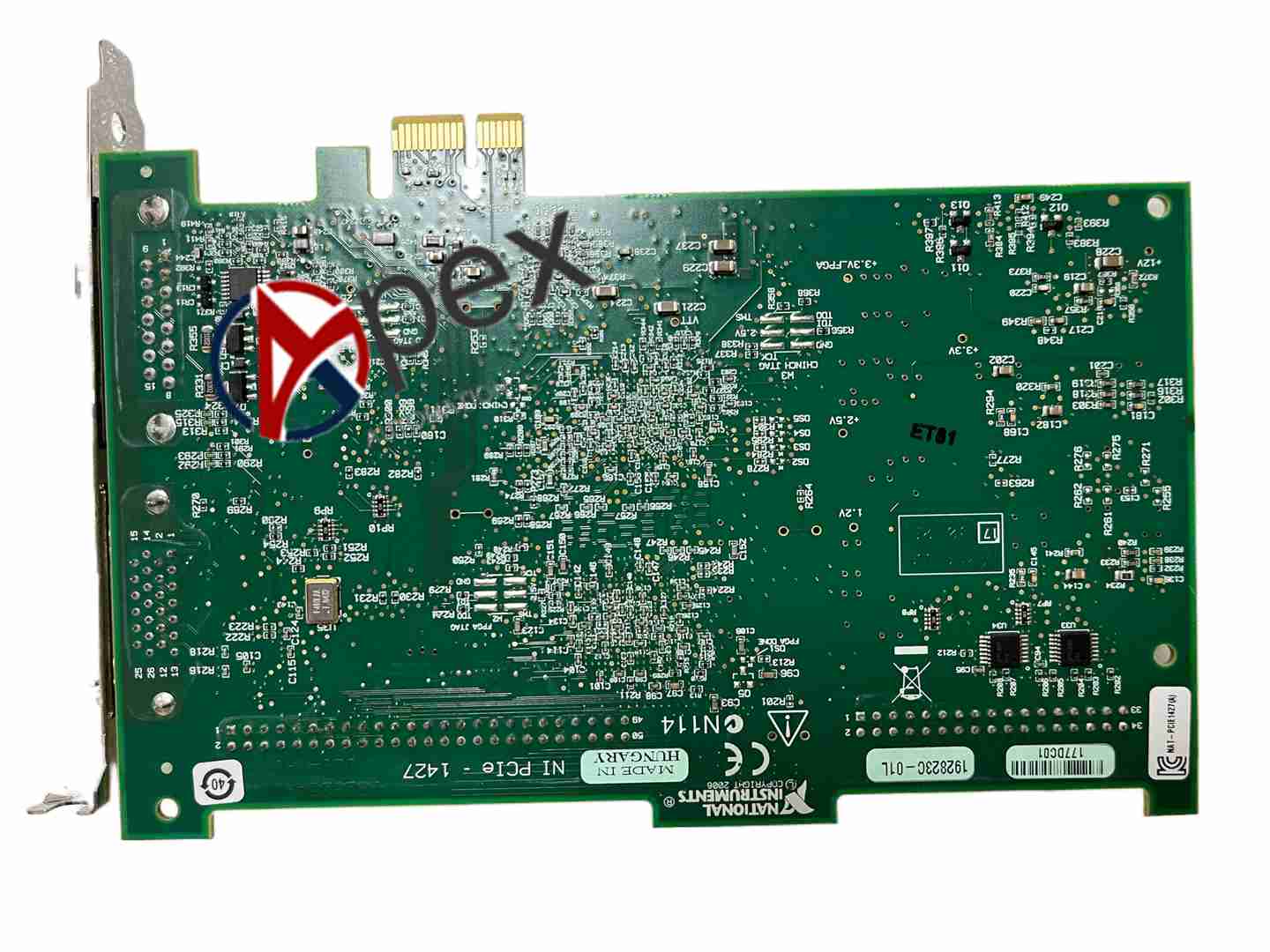

Technical Specifications Camera Link interface; PCI Express x4 bus; Support Base, Medium, Full Camera Link configuration; High bandwidth image transfer; Operating temperature 0~55°C.
Functional Features High speed image frame acquisition from Camera Link cameras. Camera control and trigger signal generation. Onboard image buffering. Image data transfer to PC memory.
Application Scenarios Semiconductor inspection, printed circuit board inspection, high speed product visual inspection, web inspection machine.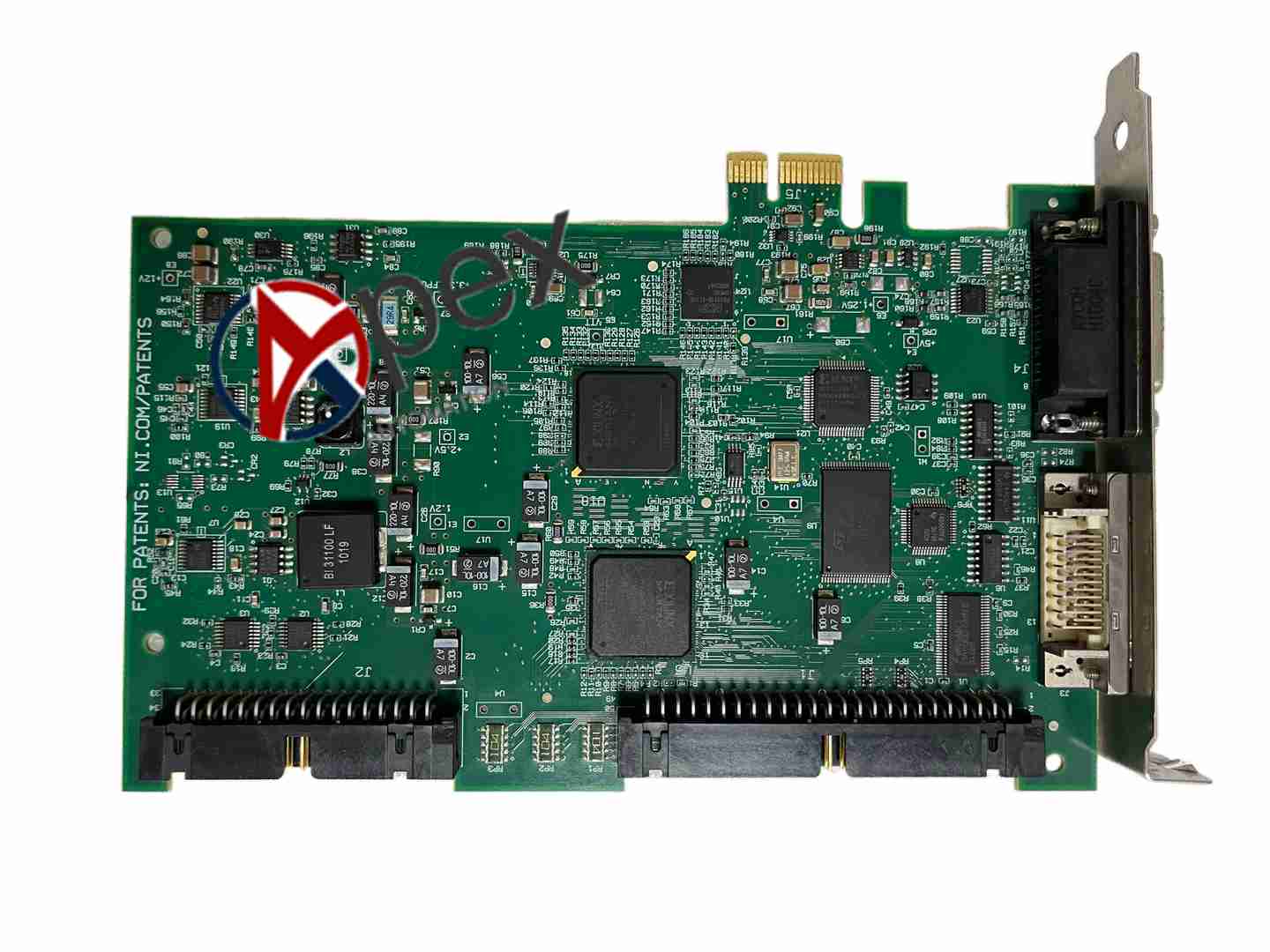
Performance Parameters High bandwidth PCIe data transmission; Support high resolution and high frame rate Camera Link cameras; Hardware frame buffering.
Structural Characteristics PCI Express board, Camera Link connector on front panel, trigger I/O port and LED indicators.
Working Principle The board receives serial image data from Camera Link camera, deserializes pixel data, stores image frames in buffer and transfers image to PC memory via PCI Express bus.
Installation Requirements Power off PC, insert PCIe board into PCIe x4 slot. Install NI-IMAQ driver. Connect Camera Link cable between board and camera.
Usage Notes Use certified Camera Link cable and limit cable length. Match camera configuration in IMAQ software. Check camera power and trigger timing.


There are no reviews yet.